Remote Dock
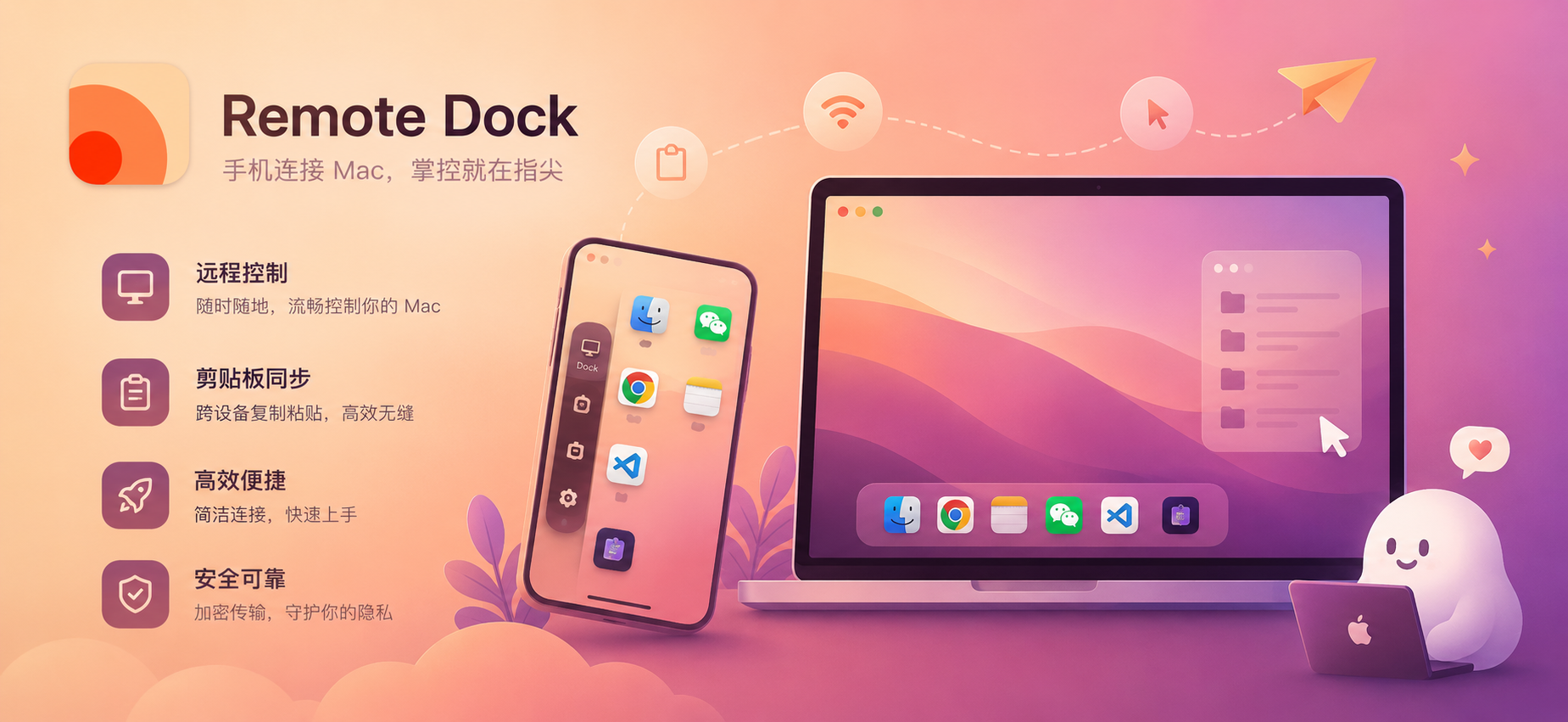
Powerful clipboard manager with copy history, search, pinning, and paste Access Mac apps from your iPhone, switch apps instantly
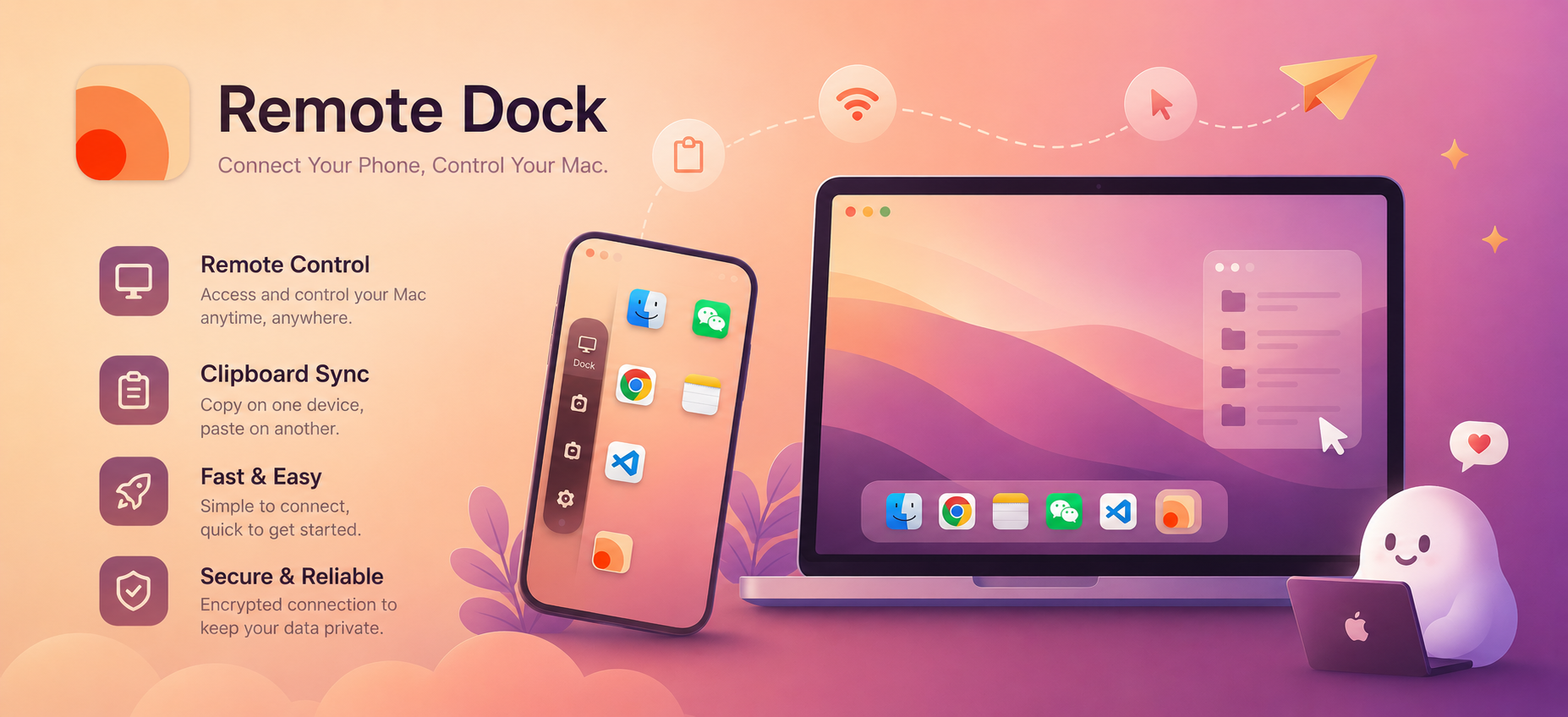
Powerful Features, Simple Experience
Every feature carefully designed to make your workflow more efficient
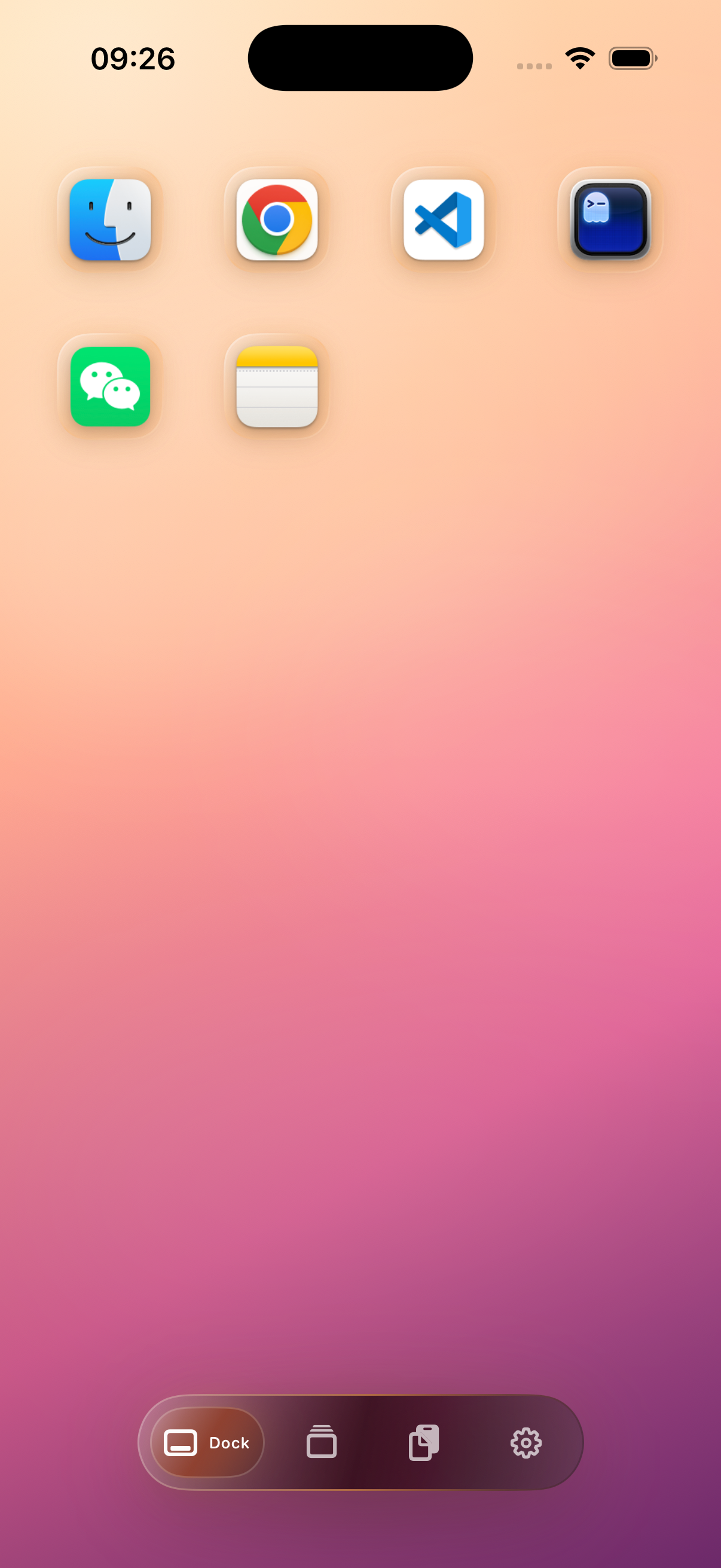
Your iPhone as Desktop Companion
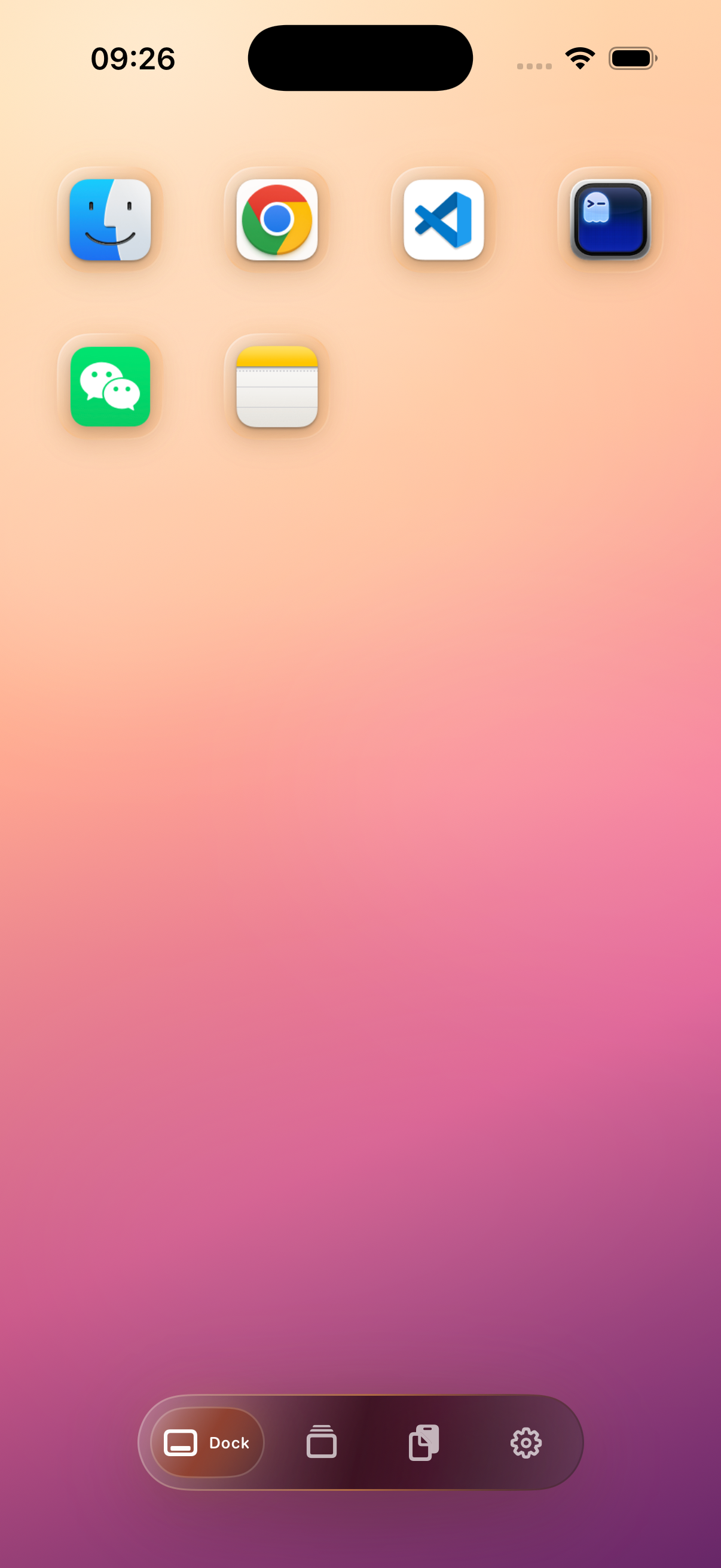
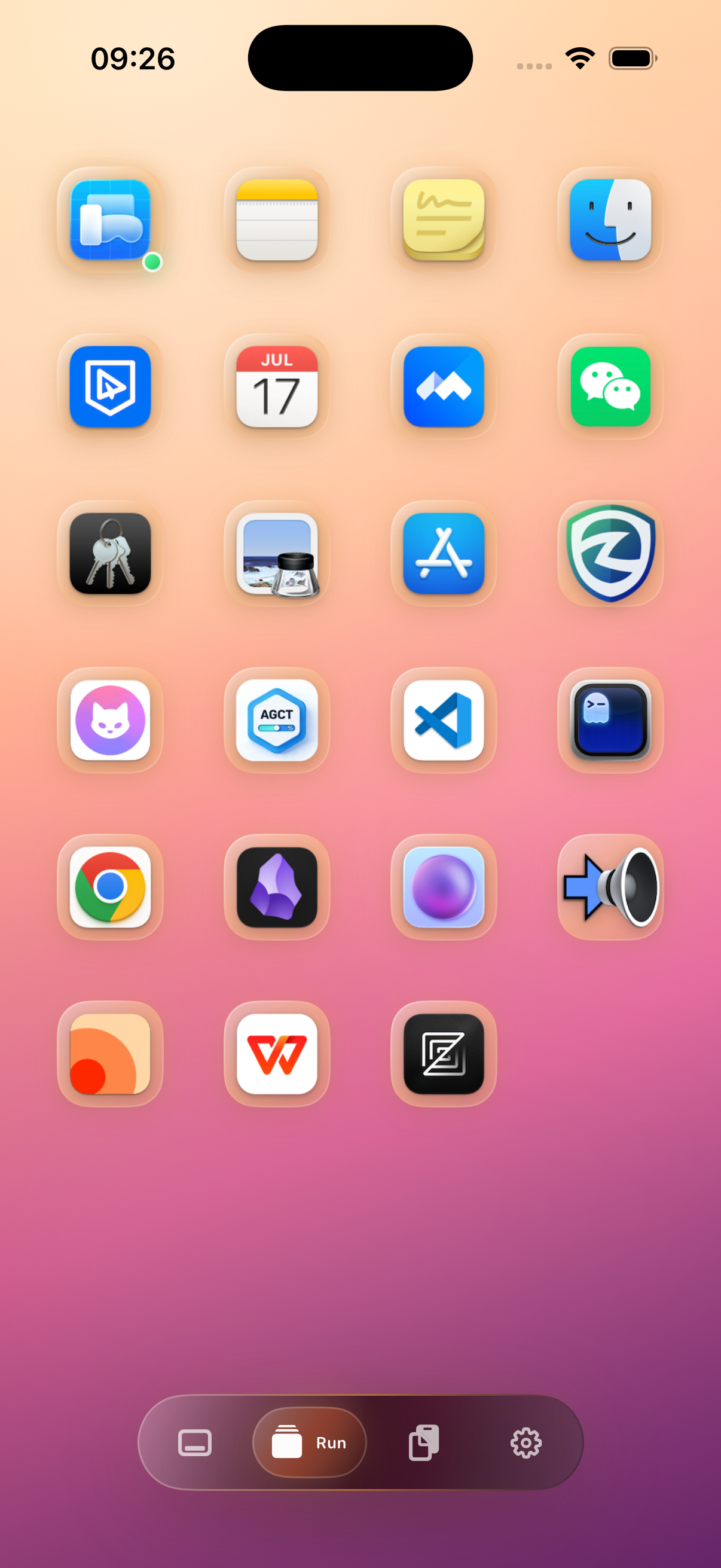
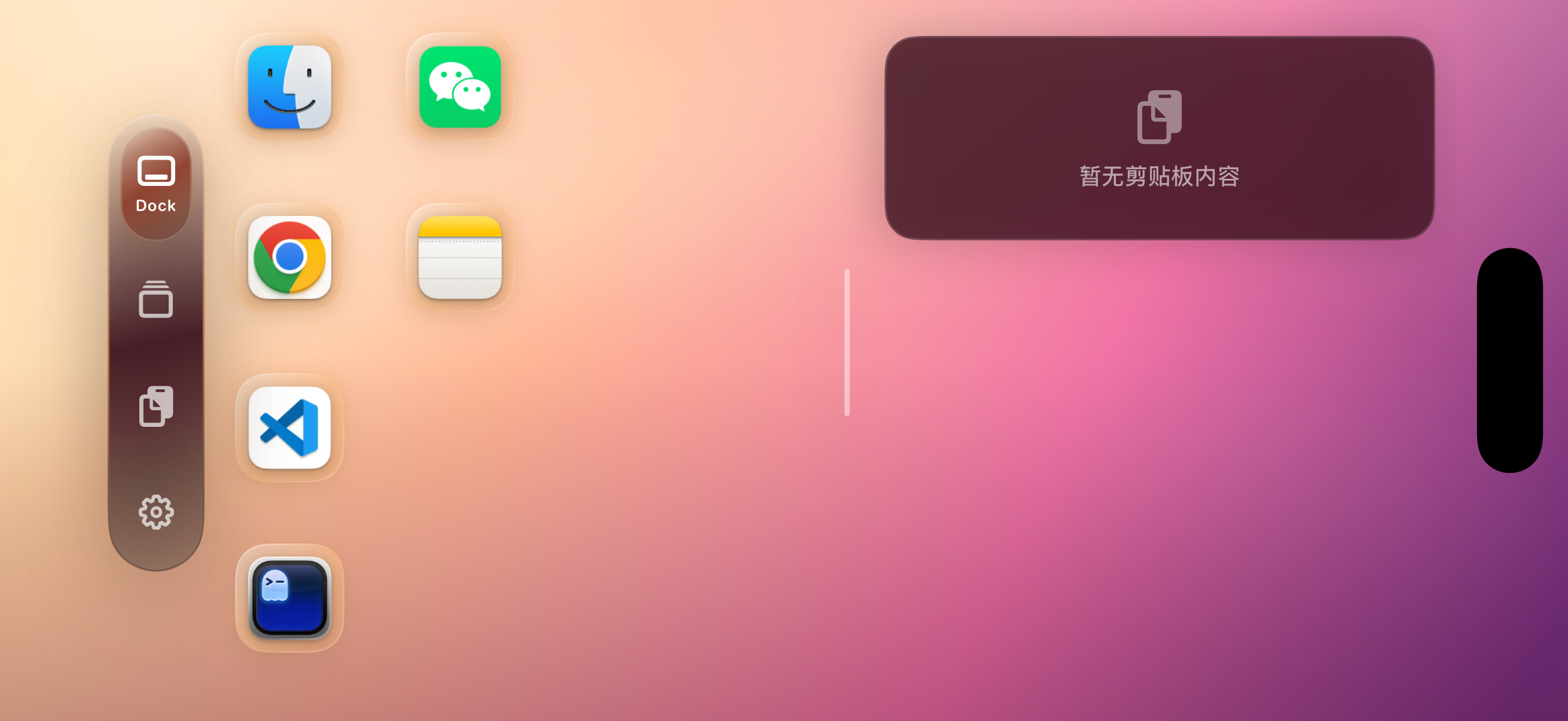
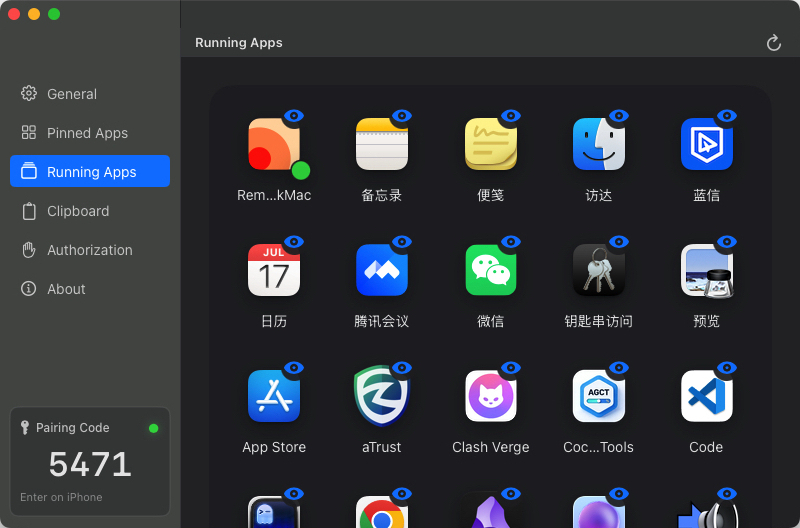
Seamlessly access desktop apps and switch between them from your phone, eliminating the hassle of searching through multiple apps
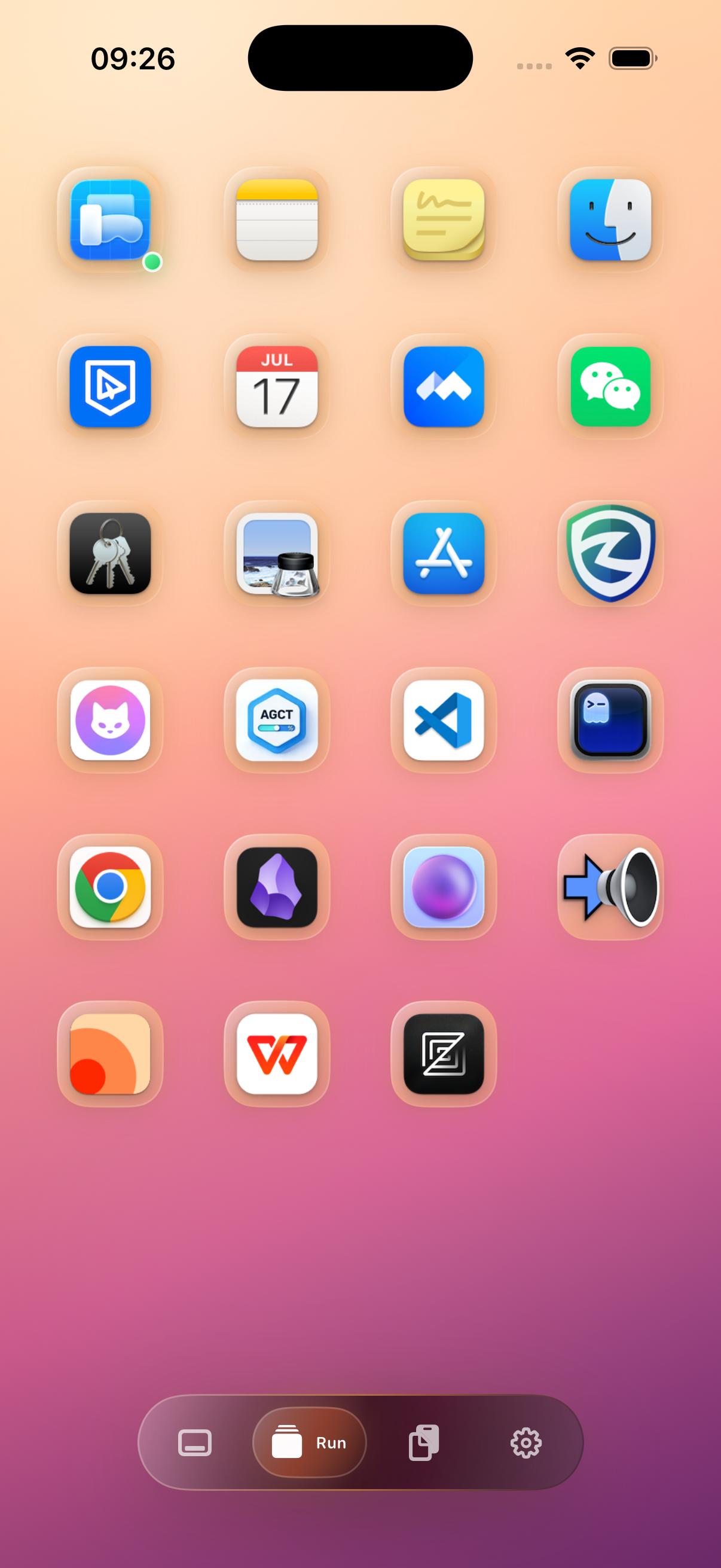
Flexible Configuration, Real-time Updates
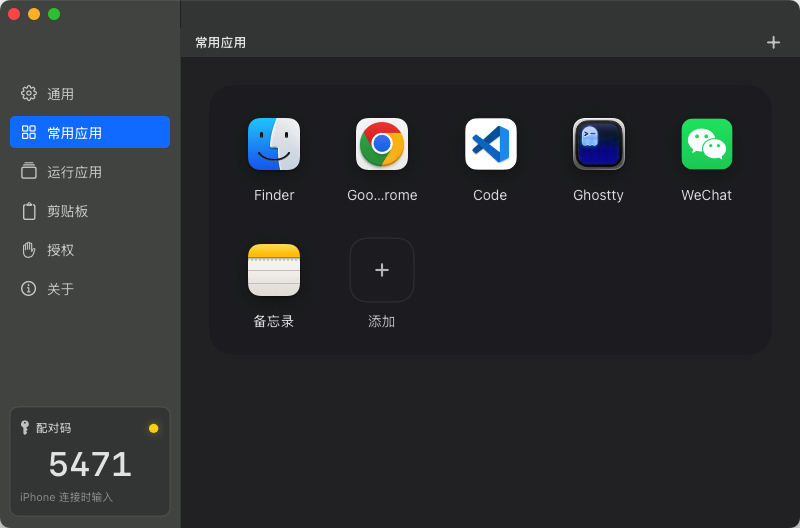
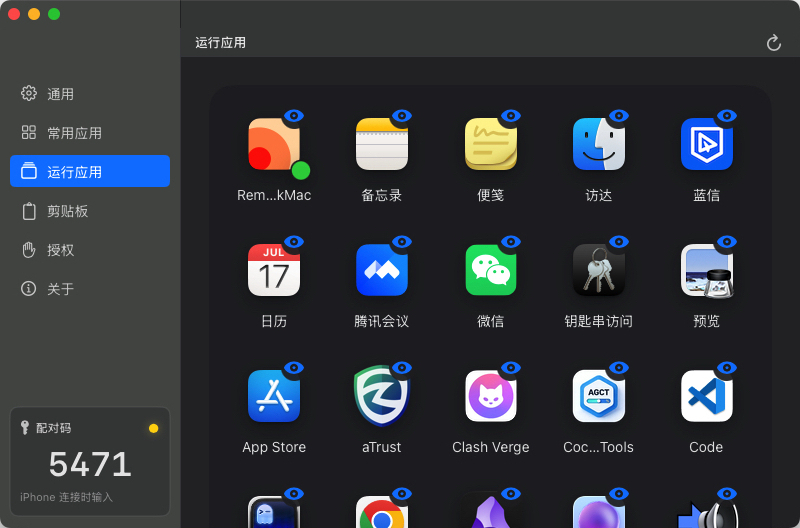
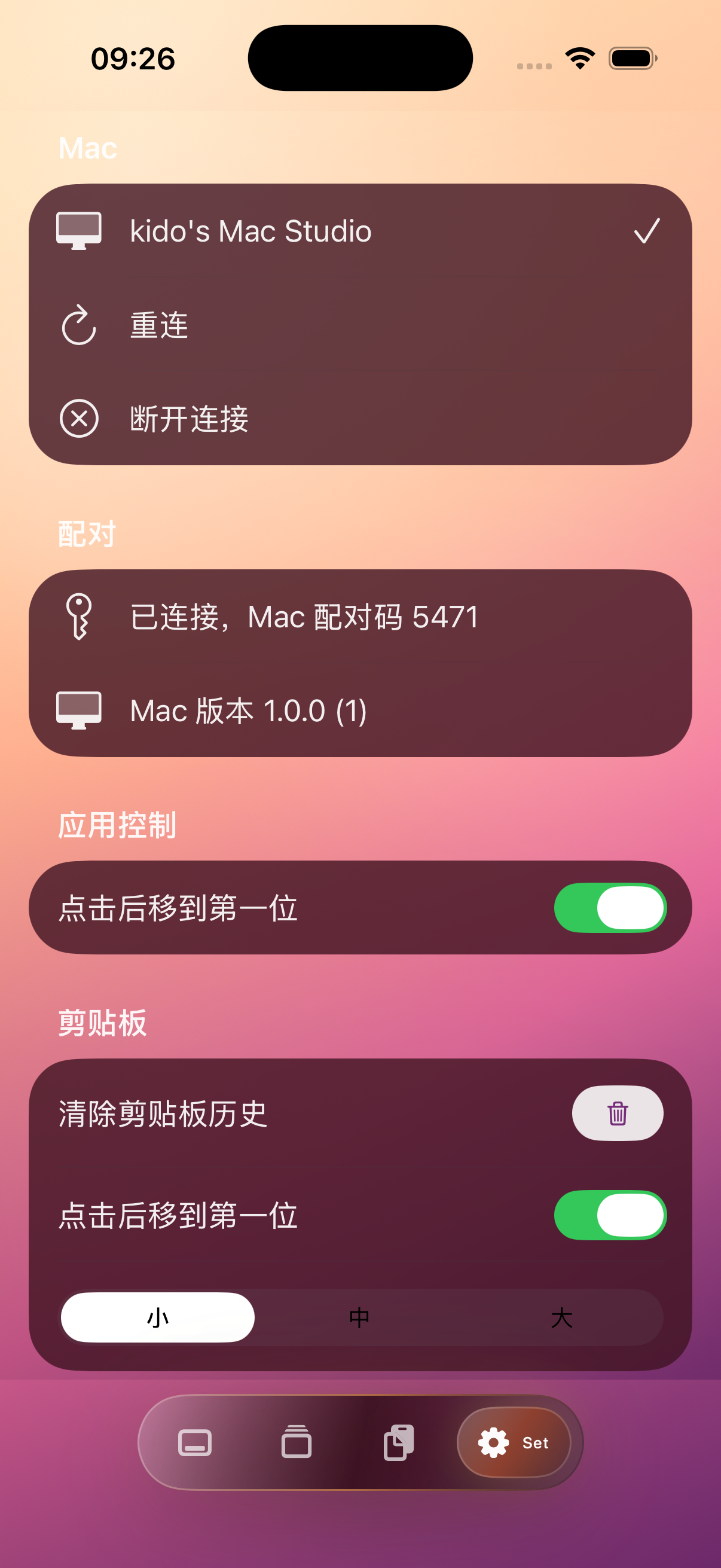
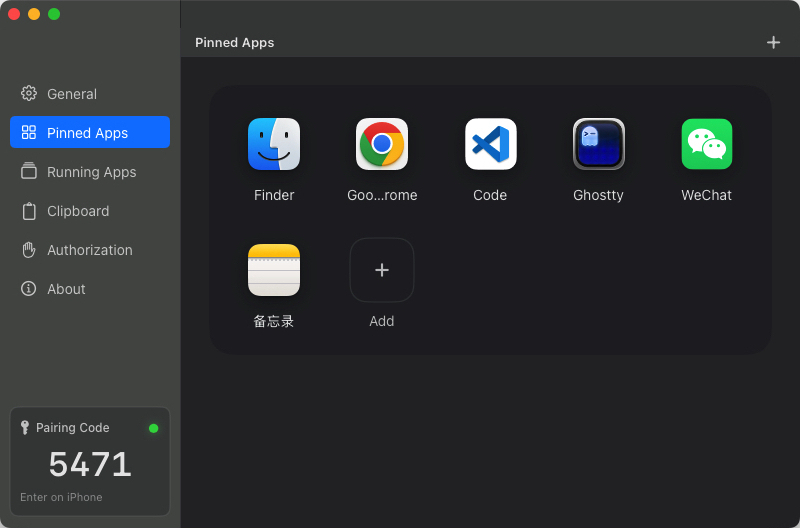
Configure favorite apps and hide sensitive apps on desktop, view real-time desktop app status on your phone
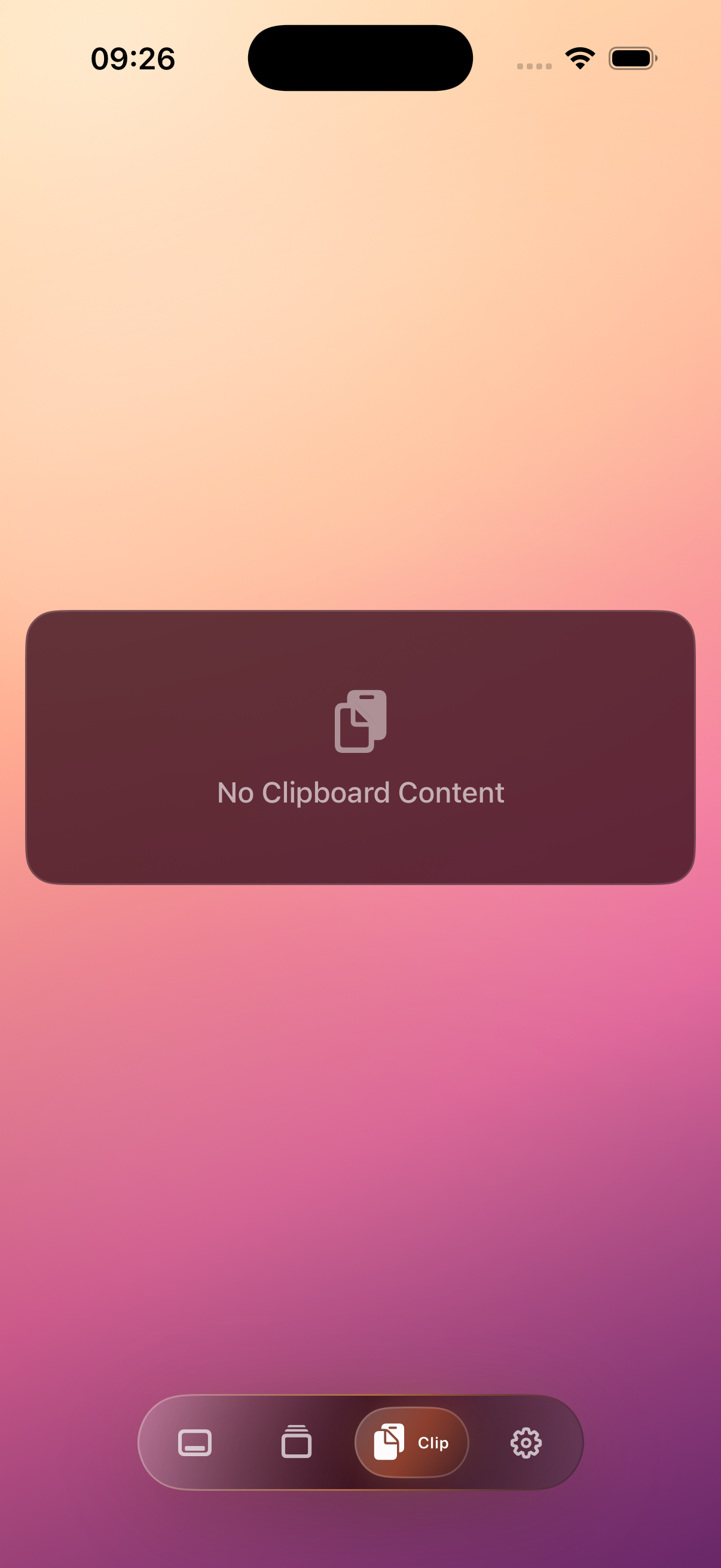
Powerful Clipboard Management
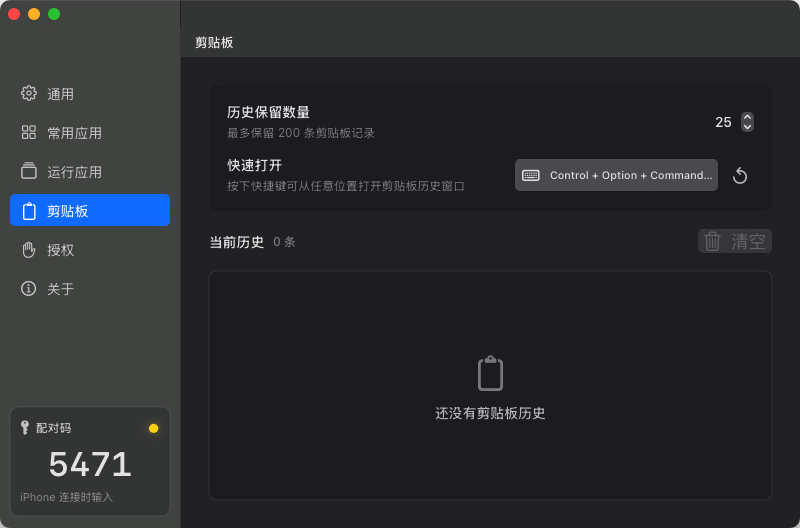
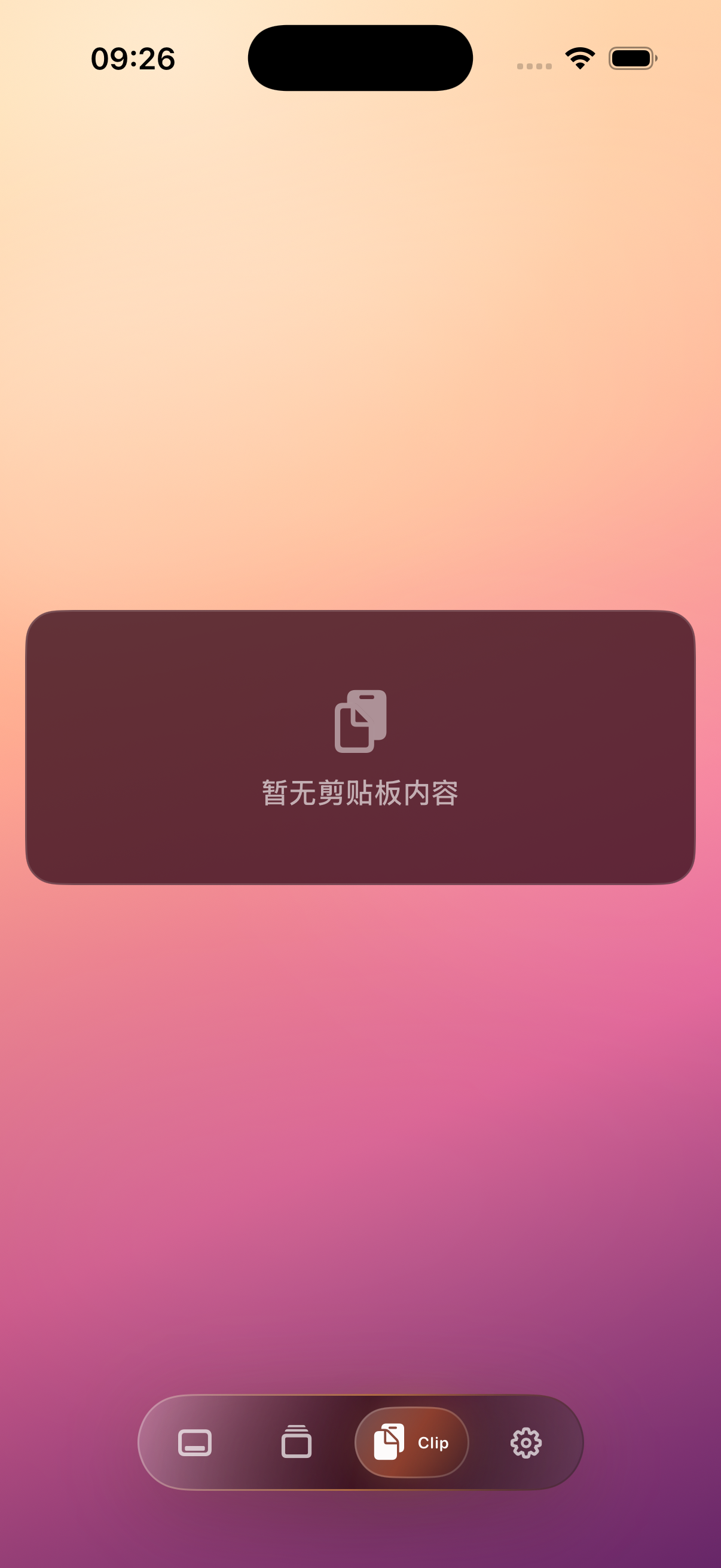
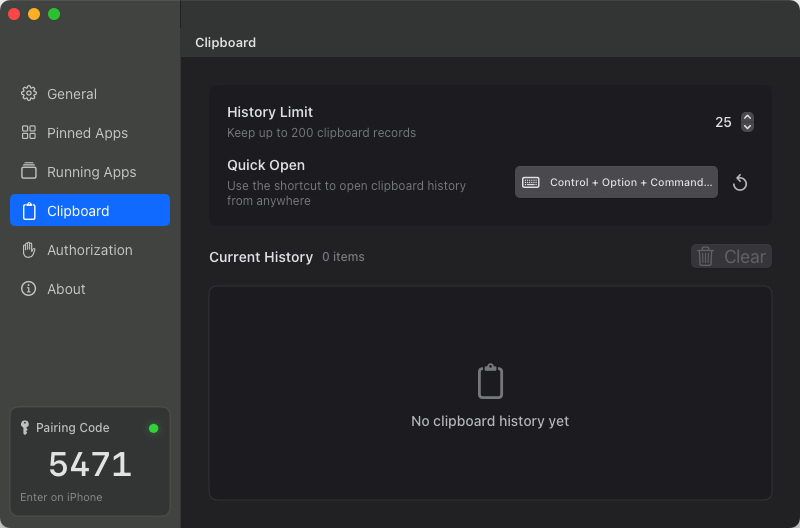
A powerful clipboard manager for desktop that works standalone. Pin frequently used clipboard items, and pair with the mobile app for cross-device clipboard preview and access
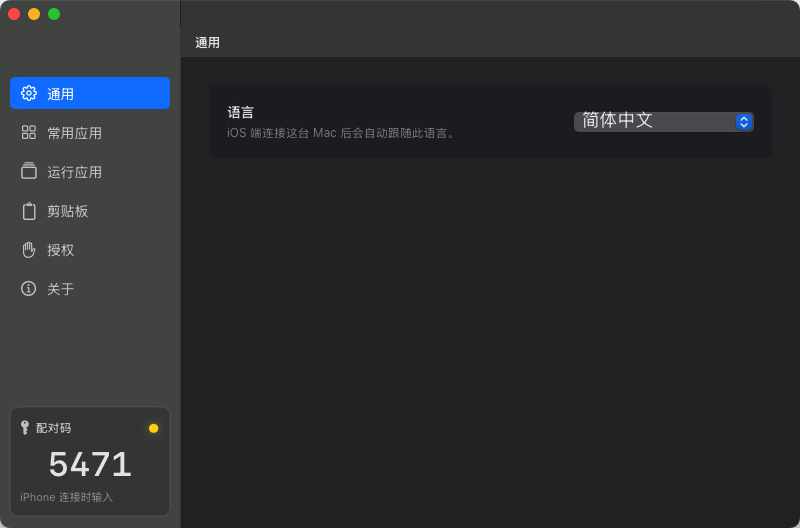
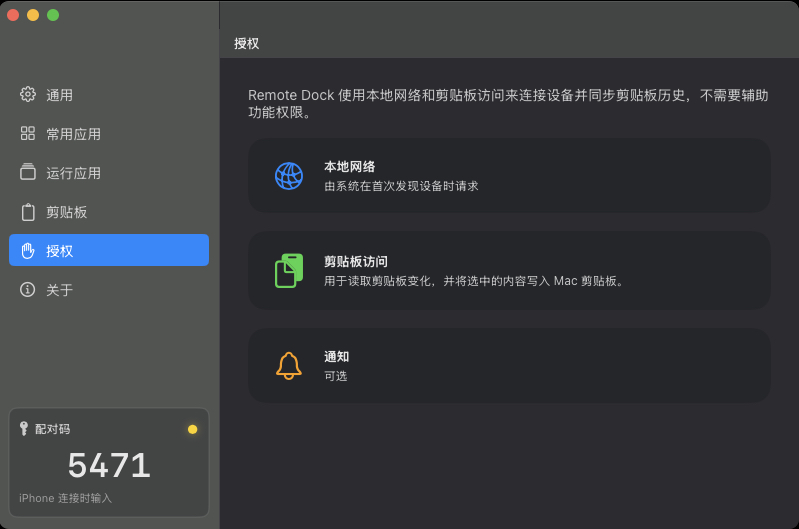
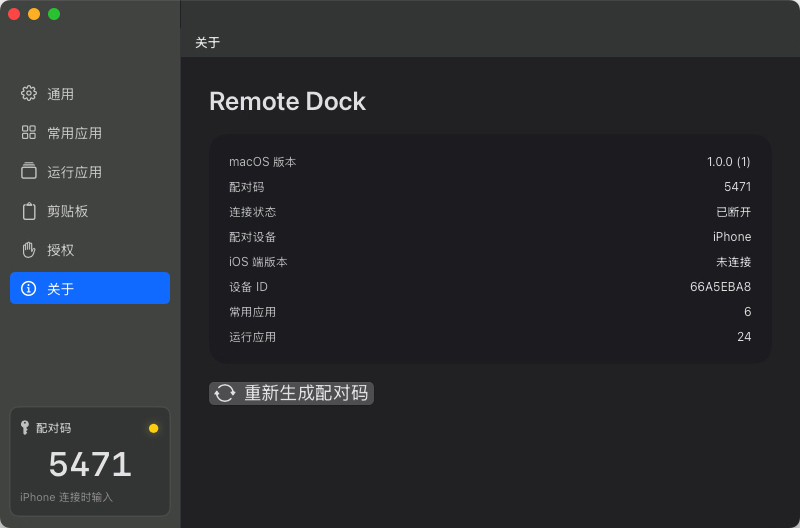
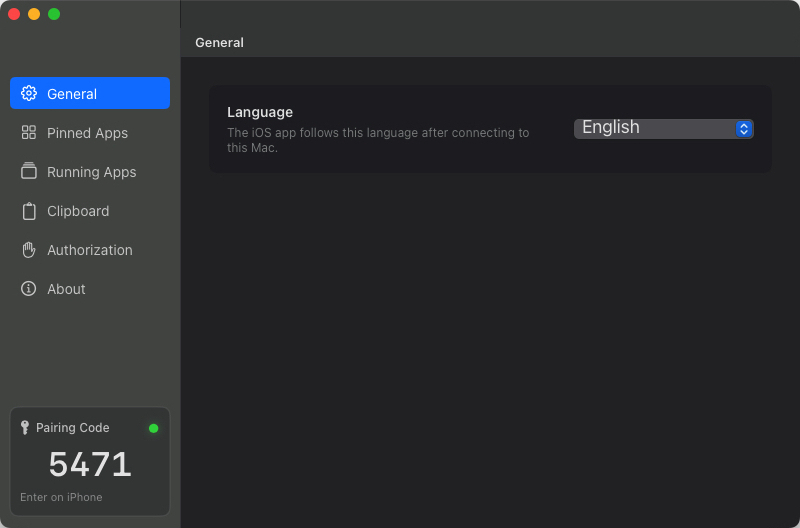
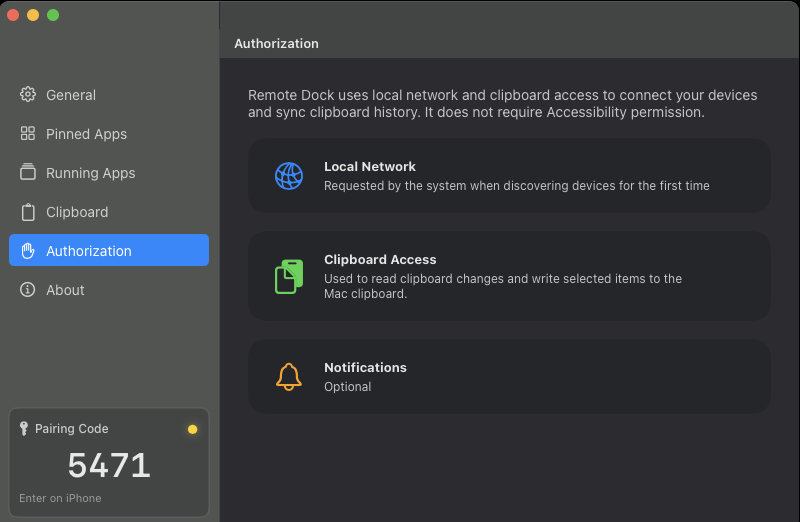
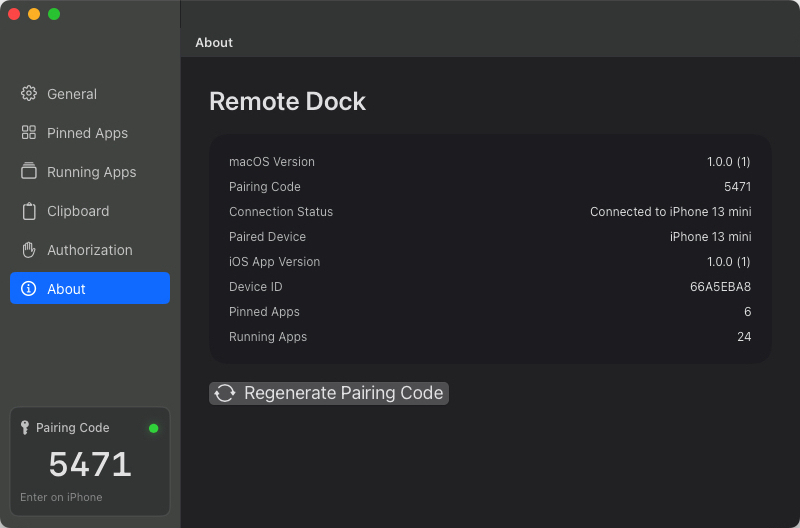
Desktop Interface
Clean and efficient design for a smoother workflow
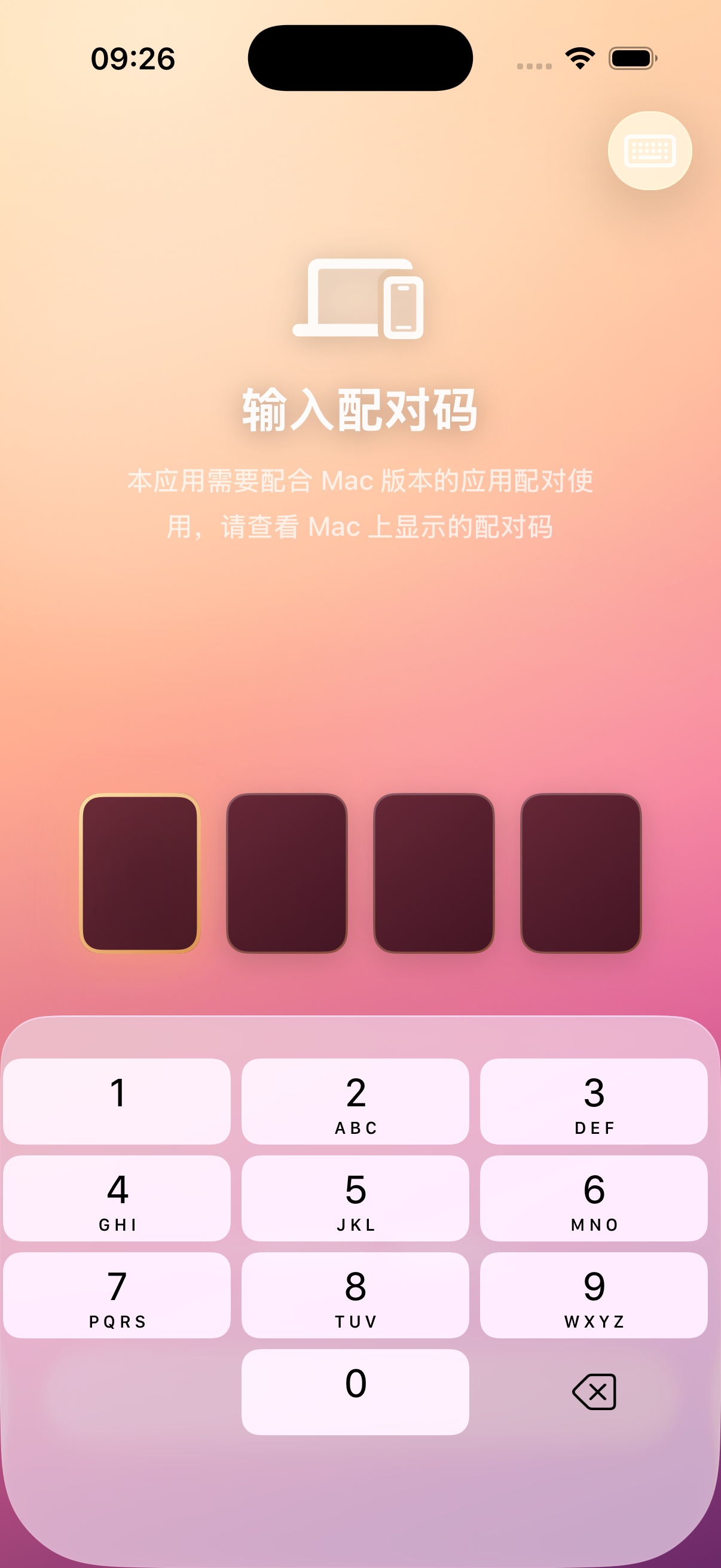
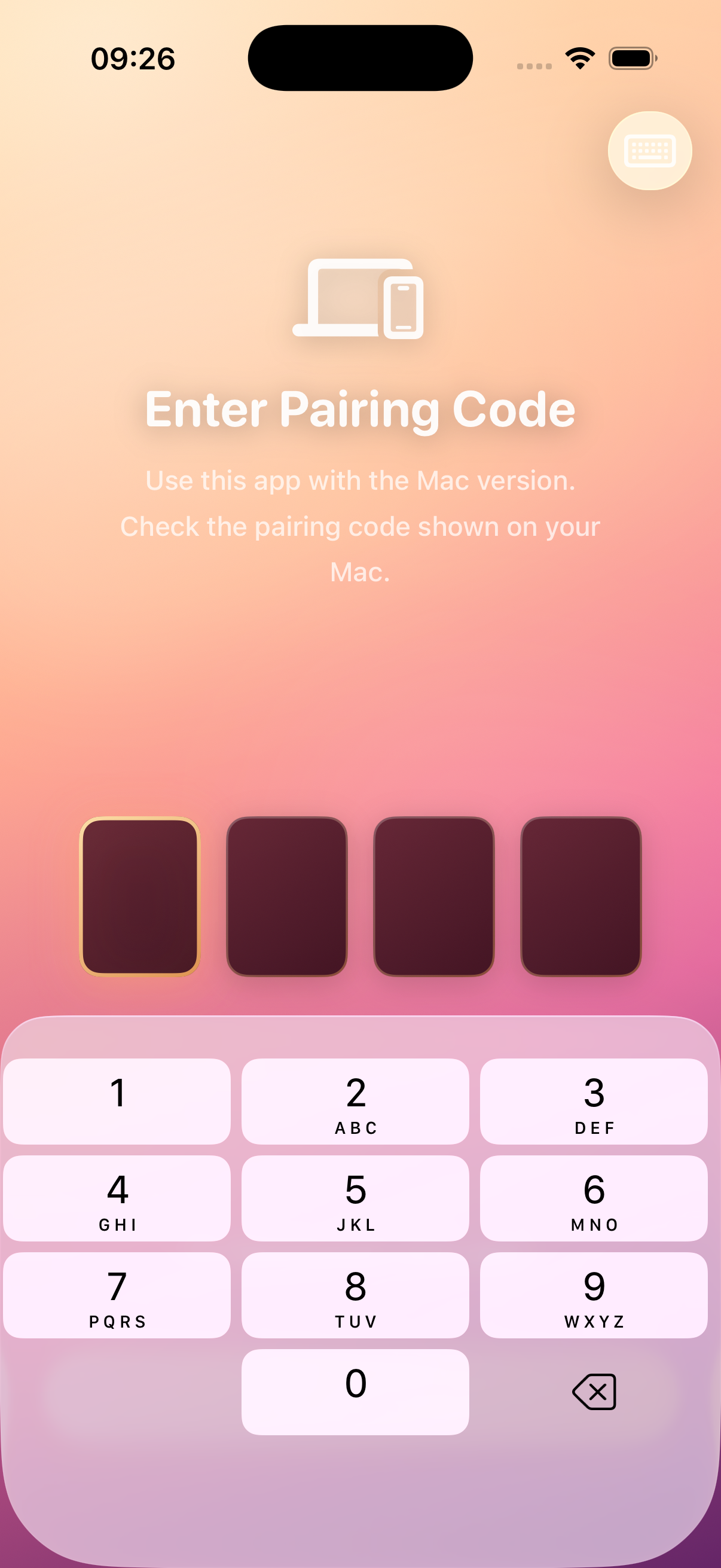
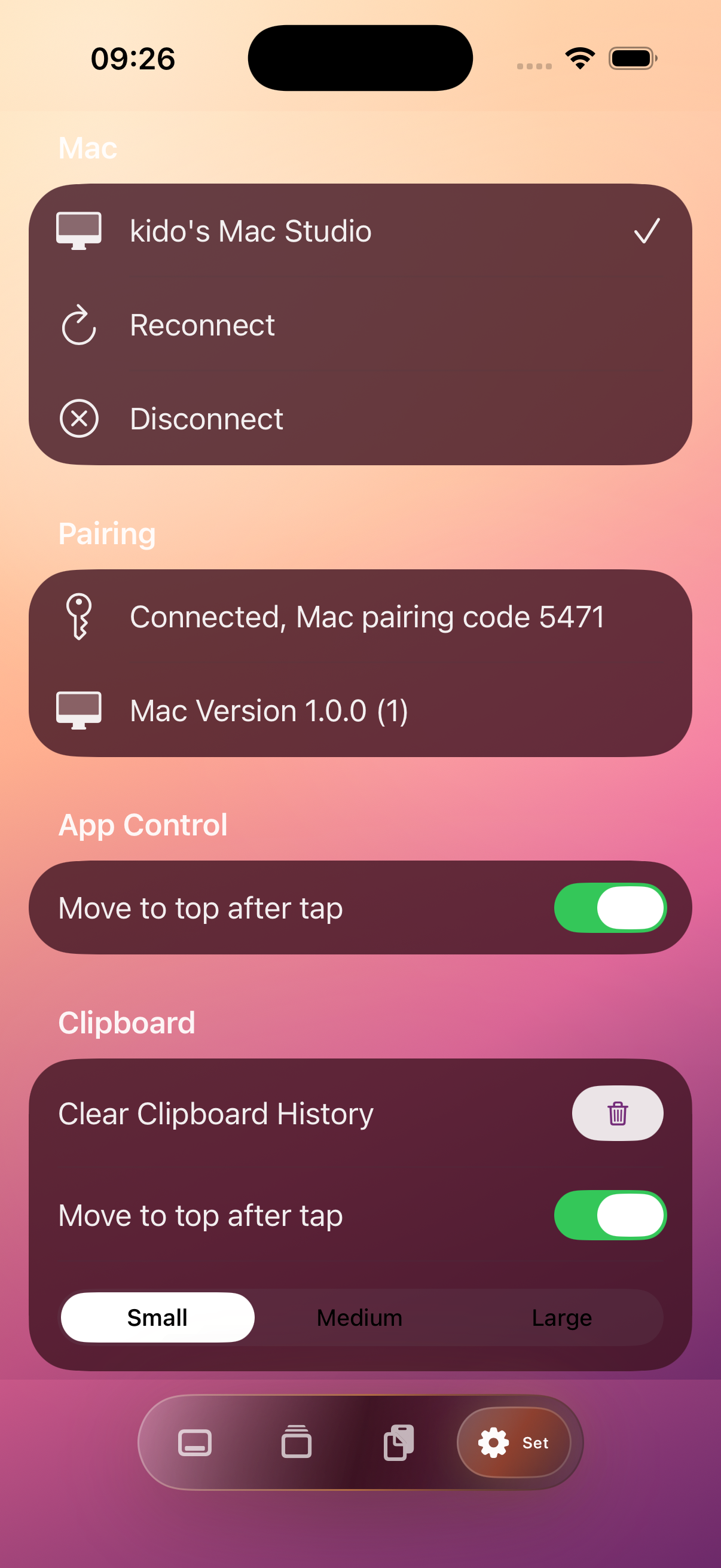
iPhone Interface
Access your Mac apps anytime, anywhere
Why Choose Remote Dock
Rich Text Clipboard Support
Preserve text formatting, styles, and links when copying
Copy History Pinyin Search
Search recently copied items using Chinese Pinyin
Multi-Select Clipboard Merge
Hold Shift to select multiple clipboard items, merge them with one keystroke
Pinned Clipboard Items
Keep frequently used text at the top of your clipboard list for quick access and paste
Adjustable Floating Window
Adjust text size in the floating window using keyboard zoom in/out
Highly Customizable App Management
Configure to hide unwanted apps from the current app list
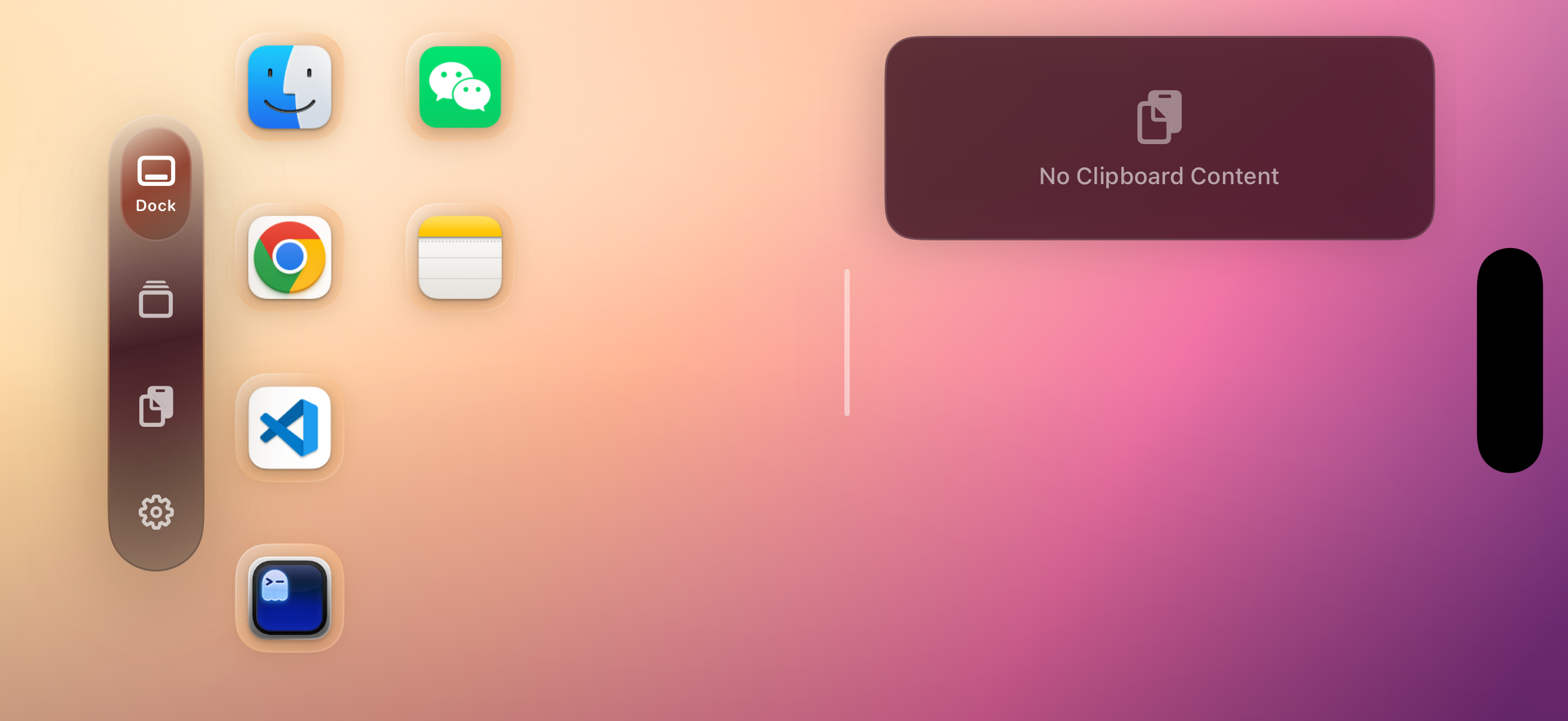
Landscape Dual-Column Layout
Dual-column display in landscape mode maximizes phone screen space
Get Started in 4 Steps
Launch Mac App
Open Remote Dock on your Mac
View Pairing Code
4-digit code shown in menu bar
Open iPhone App
Enter the pairing code to connect
Start Using
Use iPhone to access your Mac apps
Compatibility
📥 Download Mac Version
The Mac version is not distributed on the Mac App Store. Please download from GitHub
Frequently Asked Questions
Is Remote Dock free?
Mac version: Completely free
iOS version:
Basic features free, one-time purchase for advanced features
Need internet connection?
No. Just local network or Apple Peer-to-Peer connection.
Is my data secure?
Completely secure. All data is transferred locally between devices, never uploaded to the cloud.
App doesn't respond immediately when tapping icon?
This is usually caused by local network interference. Please wait a moment or try restarting the app. If the issue persists, ensure both devices are on the same network.
What are the current limitations?
When using multiple desktop Spaces, app launching may not always work as expected. This is due to limitations in Apple's provided APIs.
Should I update the app?
We strongly recommend keeping your app updated to the latest version. New versions bring new features and fix known issues, improving your overall experience. Please check this website regularly for the latest updates.